Logging In
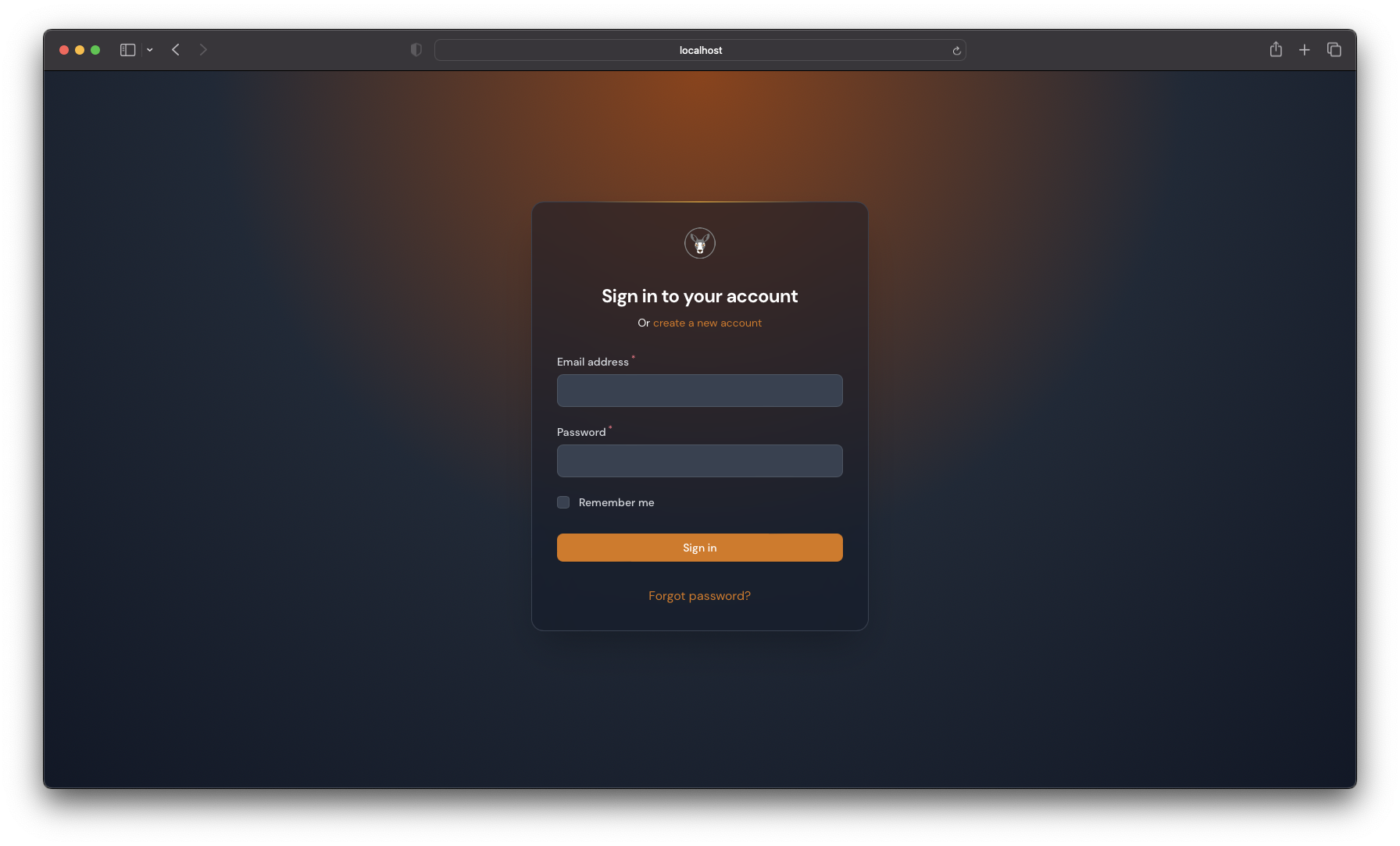
If you have already registered, you can login to the Swala Dashboard by visiting https://swala.safariwallet.com and clicking on the Login link. You will be prompted to enter your email address and password. Once you have entered your details, click on the Login button. You will be redirected to the dashboard.
Forgot Password
If you have forgotten your password, you can reset it by clicking on the Forgot Password link on the login page.
- You will be prompted to enter your email address. Once you have entered your email address, click on the
Reset Passwordbutton. - You will receive an email with a link to reset your password.
- Click on the link and you will be redirected to the reset password page.
- Enter your new password and click on the
Reset Passwordbutton. You will be redirected to the login page. - Enter your email address and new password and click on the
Loginbutton. You will be redirected to the dashboard.
Multi-Factor Authentication
If you have enabled Multi-Factor Authentication (MFA) on your account, you will be prompted to enter a 6-digit code from your authenticator app after you have entered your email address and password. Once you have entered the code, click on the Login button. You will be redirected to the dashboard.